
Data bundles are essential for staying connected with family, friends and the world at large.
However, with the rising cost of data and how quickly it gets exhausted, many users are seeking ways to manage consumption better.
While switching off mobile data may temporarily pause usage, it does not solve the problem of fast depletion when it is turned back on.
Here are six practical ways to reduce data consumption and make your bundles last longer:
1. Turn on data saver mode
Most smartphones have a built-in data saver feature. Go to Settings, select Mobile Data, and activate Data Saver to reduce background activity and unnecessary data use, including ads.
2. Restrict background data usage
Apps often consume data even when not in use. This includes updates, notifications, and syncing.
On iOS:
Go to Settings → General → Background App Refresh → turn it off.
On Android:
Go to Settings → Connections/Mobile Network → Data Usage → select apps and restrict background data.
RELATED NEWS
- 9 proven ways to use social media to grow your brand fast
- Five basic social media hacks to grow faster
3. Set a data limit
Setting a monthly data cap helps prevent overuse.
Go to Settings → Mobile Network/Data Usage → set your billing cycle and activate data limit alerts to stay within your budget.
4. Reduce social media usage
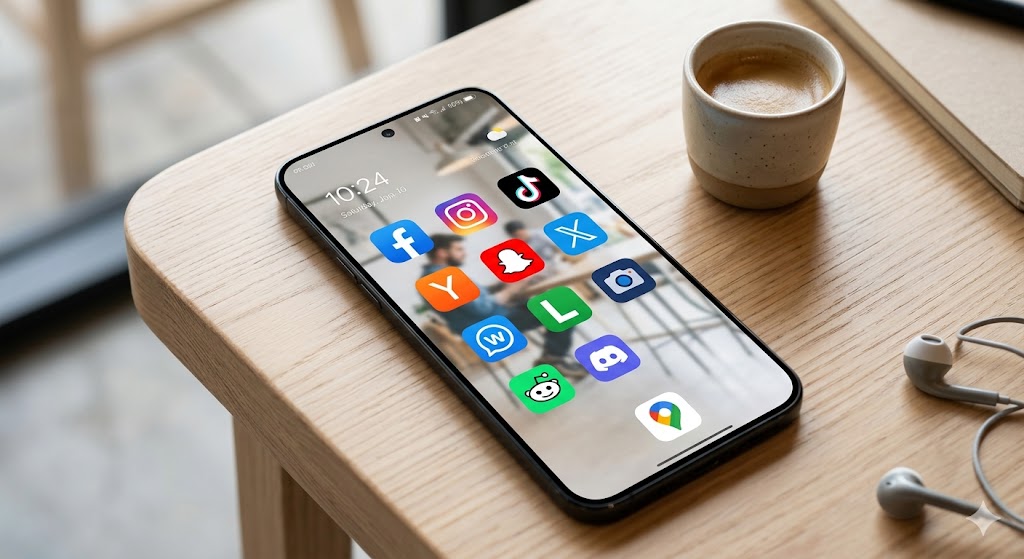
Social media apps consume large amounts of data. Limiting screen time on platforms like Instagram, Facebook, and TikTok can significantly reduce usage.
5. Use data saver mode on browsers
Browsers often load high-resolution images and ads that consume data quickly. Activating data saver mode helps reduce this usage.
6. Limit WhatsApp data usage
Disable automatic media downloads to save data.
Go to WhatsApp → Settings → Storage and Data → Media Auto Download and turn it off. This allows you to choose what to download manually.
By applying these simple tips, users can better manage their data consumption and avoid unnecessary depletion.